
AdvisorClaw
AI-native solutions by the team at IDX.
Resources · Tutorials · Best Practices
Everything you need to get the most out of AdvisorClaw
Tutorial videos, prompt best practices, and custom skills — all in one place. Whether you're getting started or looking to push AdvisorClaw further, start here.
01 — Start Here
Get up and running in two minutes
New to AdvisorClaw? Start with this quick walkthrough. You'll see how to log in, navigate the dashboard, and run your first agent workflow.
Get Up and Running in Minutes on AdvisorClaw
The quick-start guide. Log in, navigate the dashboard, and run your first workflow.
02 — Case Studies
Written case studies of real advisor transformations
Deep dives into how advisors put AdvisorClaw to work — the problem, the build, and the measurable results. Read online or download the full PDF.
Case Study · 01
The Deck That Built Itself — and Automated a $30,000 Workflow
Virginia RIA · Wealth Management
How a wealth management firm automated its quarterly Investment Policy Committee Meeting Book from 40 hours to 10 minutes — replacing a $30,000/year role and eliminating a paid data subscription.
Case Study · 02
The CIO Who Built His Quant Desk in Under an Hour
Scottsdale RIA · Institutional Asset Management
How a skeptical $2.6B CIO went from “statistical collation” to internal champion in two meetings — watching a live GARCH volatility model get calibrated on his own strategy returns in under 10 minutes.
03 — Workflow Series
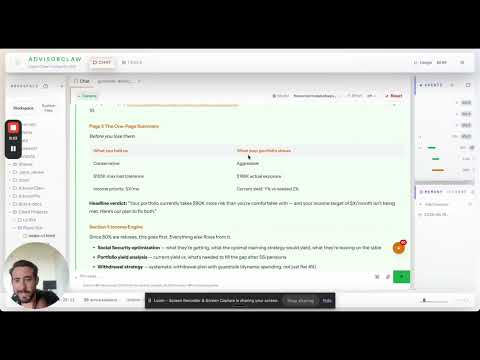
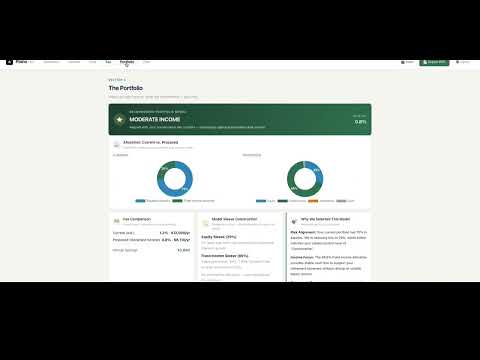
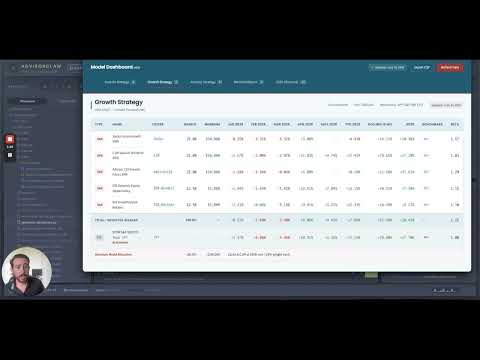
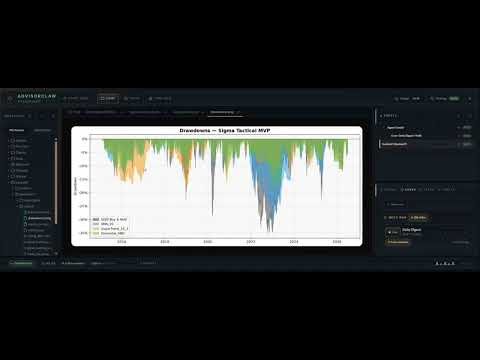
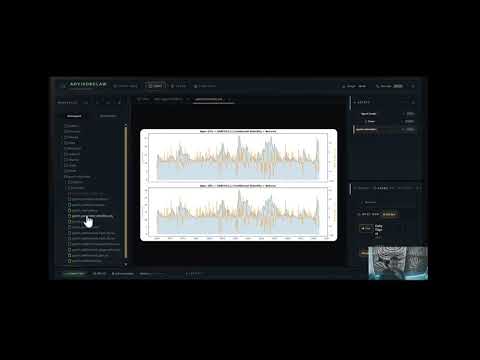
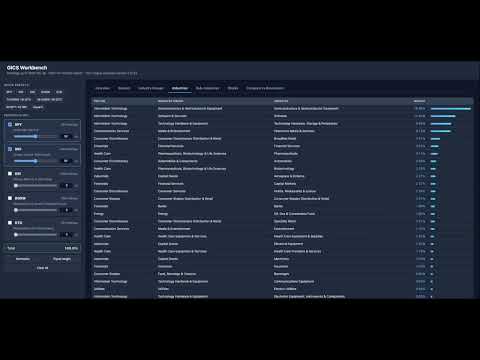
Over-the-shoulder case studies of real advisor workflows
These aren't generic demos. Each video shows how a real advisor client uses AdvisorClaw to compress a workflow that used to take hours — into minutes.
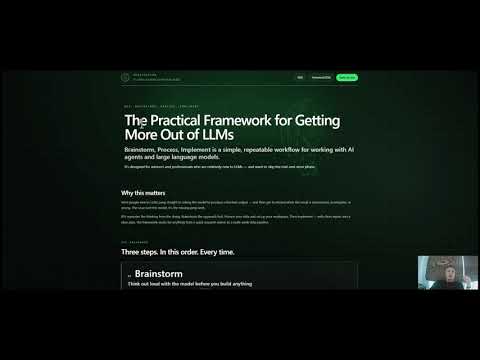
More videos added regularly
04 — Prompt Hygiene & Best Practices
Think of agents as smart hires, not magic boxes
AdvisorClaw agents are powerful, but they need direction. These best practices will help you get consistent, high-quality outputs — and avoid the common pitfalls that waste time and tokens.
BPI Framework
Learn about our BPI methodology: Brainstorm, Process, Implement
A simple, repeatable methodology for getting consistent, high-quality results from AI agents. Brainstorm the approach first, process your data, then implement with clean inputs and a clear plan. Ten minutes of upfront thinking saves hours of rework.
Learn More about BPI →PH · 01
Be specific about role and output
Don’t say "analyze this portfolio". Say "You are a portfolio analyst. Review this allocation for drift vs. the target mix. Output a table with: asset class, target weight, current weight, drift, and recommended action."
The more specific the role and output format, the more consistent the result. Agents aren’t mind readers — they’re trained pattern matchers. Give them the pattern.
Tip: Define the output format upfront
PH · 02
Provide source documents, not vibes
AdvisorClaw agents work best when grounded in your data. Upload the portfolio holdings, the IPS, the client brief — then ask the agent to work from those sources.
Avoid asking agents to reason from general knowledge about specific client situations. That’s where hallucinations creep in. Ground every request in source material.
Tip: Upload first, ask second
PH · 03
Iterate like a manager, not a prompt engineer
The first output is rarely perfect. That’s expected. Treat it like a junior analyst’s draft. Give feedback: "The sector breakdown is good, but add a column for year-to-date performance and sort by drift, not alphabetically."
By version 3 or 4, the agent will be producing exactly what you want. Save that prompt as a template so you don’t start from scratch next time.
Tip: Save working prompts as agent instructions
PH · 04
Use the right model for the job
IDX models (DeepSeek, Kimi, GLM) handle coding, data analysis, and structured workflows efficiently. Frontier models (GPT-5.5, Claude Opus) are better for presentations, creative writing, and complex reasoning.
Default to IDX models for routine work. Reach for frontier models when the output quality matters more than cost. You can set per-agent model preferences in Agent Settings.
Tip: IDX for work, frontier for polish
PH · 05
Use specialists, not the general chat
Don’t ask the main agent to do everything. Create dedicated agents for specific workflows. The "Sigma Tactical Explorer" agent remembers your strategy. The "Proposal Generator" agent knows your format.
Specialized agents have persistent memory, scoped instructions, and don’t bleed context between unrelated tasks. This is the single biggest unlock for productivity.
Tip: One agent per workflow
PH · 06
Set up cron jobs for repetitive tasks
If you do something every morning, every week, or every month — automate it. Cron jobs run agents on a schedule without you asking.
Examples: a morning market brief at 7 AM, a weekly portfolio drift check every Friday, a monthly model dashboard regeneration. Set it once, and it just runs.
Tip: If it’s repetitive, cron it
05 — Custom Skills & Code
Reusable building blocks for your workflows
Copy-paste templates and code snippets you can drop into your AdvisorClaw instance. Each one solves a common problem we've seen advisors hit.
SKILL · 01
Daily Digest Cron Template
Set up a morning market brief that runs automatically every weekday. Customizable for your firm’s focus areas.
{
  "name": "morning-market-brief",
  "schedule": {
    "kind": "cron",
    "expr": "0 7 * * 1-5",
    "tz": "America/New_York"
  },
  "payload": {
    "kind": "agentTurn",
    "message": "Generate a morning market brief. Cover: overnight moves, key sectors, economic calendar for today, and any breaking news relevant to financial advisors. Keep it under 500 words."
  },
  "sessionTarget": "isolated",
  "delivery": { "mode": "announce" }
}
SKILL · 02
yfinance Data Pull Pattern
Pull live market data into your agents. Same pattern used by the GIX Sector Workbench.
import yfinance as yf

# Pull current holdings for an ETF
ticker = yf.Ticker("QQQ")
holdings = ticker.info.get('holdings', [])

# Pull historical prices for backtesting
spy = yf.download("SPY", start="2000-01-01")
gold = yf.download("GLD", start="2000-01-01")

# Get sector weightings
sector_data = yf.Ticker("SPY").info.get('sectorWeightings', [])
SKILL · 03
AGENTS.md Template
The instruction file every agent reads on startup. Define behavior, memory rules, and workflow expectations.
# AGENTS.md — [Agent Name]

## Role
You are a [portfolio analyst / compliance officer / etc.].

## Core Tasks
1. [Primary workflow description]
2. [Secondary workflow description]

## Rules
- Always cite source documents for claims
- Flag uncertainty — never guess
- Output format: [table / bullet list / structured report]
- If data is missing, say so. Don’t fabricate.

## Memory
- Save key decisions to memory/[date].md
- Reference prior outputs before generating new ones
SKILL · 04
Specialist Delegation Pattern
Route tasks to the right specialist agent from the main session. The pattern that makes multi-agent workflows work.
// From main agent, delegate to a specialist
// agentId is REQUIRED — label is cosmetic

I need a portfolio drift analysis.
Route this to the portfolio-analyst agent.

Use sessions_spawn with:
  agentId: "portfolio-analyst"
  task: "Analyze allocation drift for [client]
         vs. target mix. Output table with
         drift % and recommended action."

The specialist has the skills and context
to do this properly. Don’t try to do it
in the main session.
More skills added regularly
Ready to build your workflow?
If you have a workflow that takes too long, we can help you turn it into a dedicated AdvisorClaw agent. That's what the beta program is for.